It is incredibly easy to test the SQL Server/Azure SQL Database connectivity or firewall settings from Windows, even without SSMS (SQL Server Management Studio) or coding.
Test with ODBC Data Source
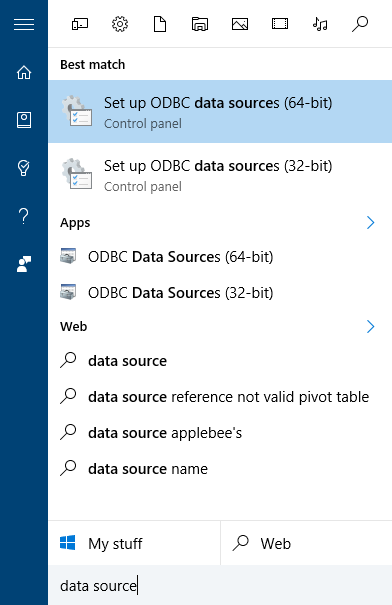
In Windows, press the Win key, type “data source”, press enter to open the ODBC Data Sources:
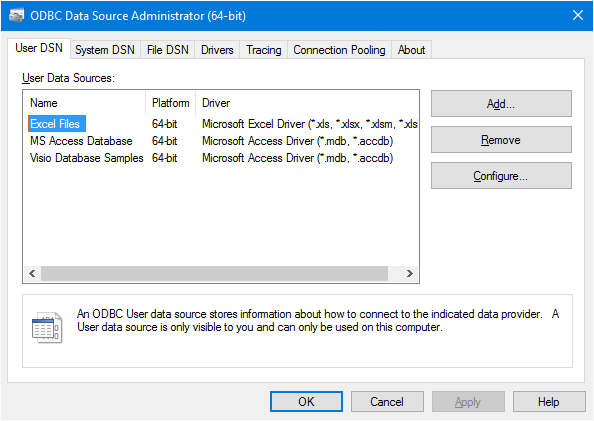
Click “Add” to add a data source:
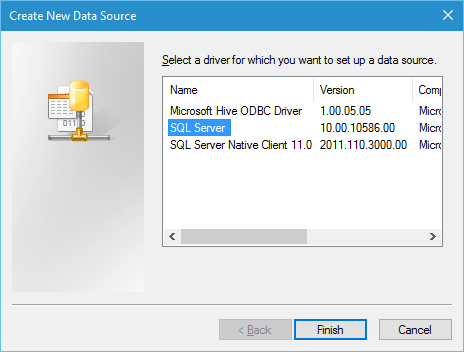
Select SQL Server:
Fill in the server name of SQL Server/SQL Azure server name:
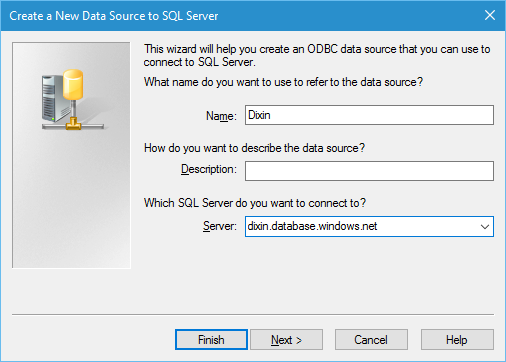
and credentials:

Click all the way to finish, the following dialog pops up:
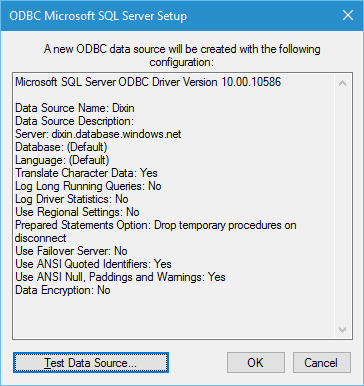
Now click “Test Data Source” to test it:
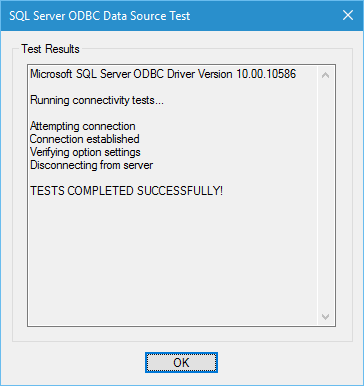
Microsoft SQL Server ODBC Driver Version 10.00.10586
Running connectivity tests…
Attempting connection Connection established Verifying option settings Disconnecting from server
TESTS COMPLETED SUCCESSFULLY!
Test with UDL (Universal data link)
It can be even easier to test with UDL (Universal data link). In Windows, create an arbitrary file:
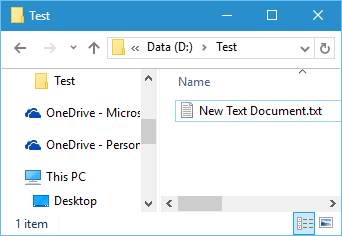
Rename its extension name to .udl:
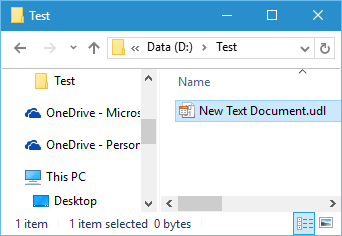
Double click it, and fill in the connection info:
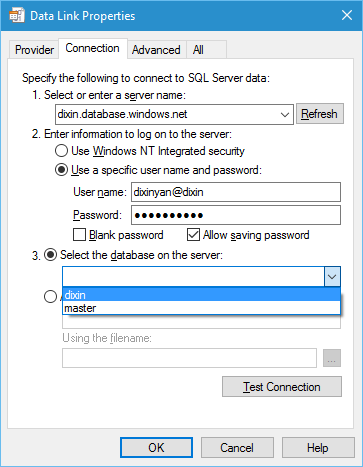
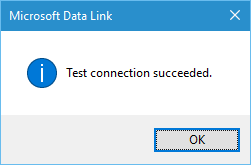
Click “Test Connection”, it is done: