SQL Server LocalDB is a minimal SQL Server database engine, it can be installed and used with zero configuration.
Get the installer and install
SQL Server LocalDB setup file is included in SQL Server Express. SQL Server 2019 can be downloaded from https://go.microsoft.com/fwlink/?LinkID=866658, and SQL Server 2017 can be downloaded from: https://go.microsoft.com/fwlink/?LinkID=853017.
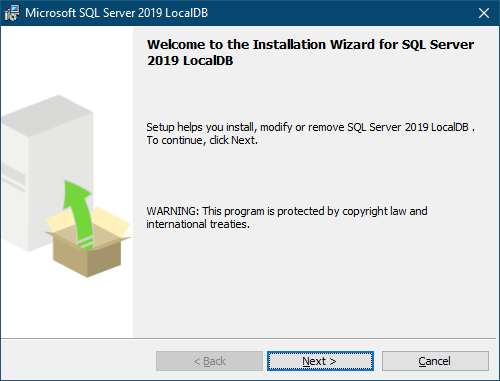
After unzip the downloaded package, please run root\x64\Setup\x64\SQLLOCALDB.MSI to install.
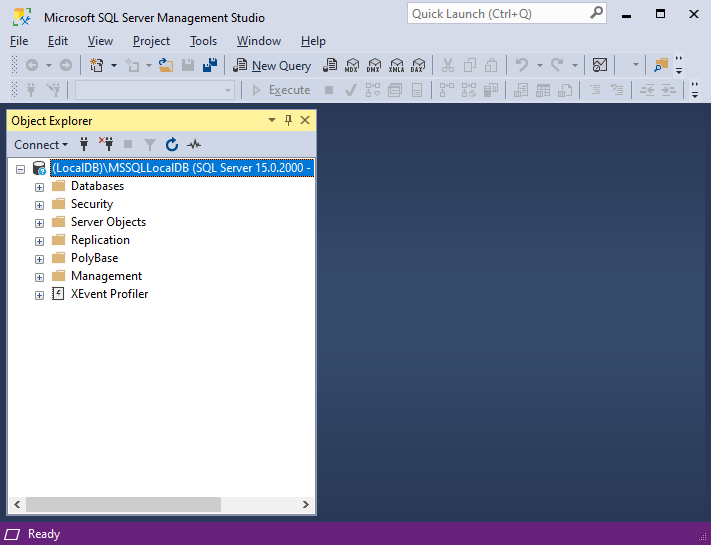
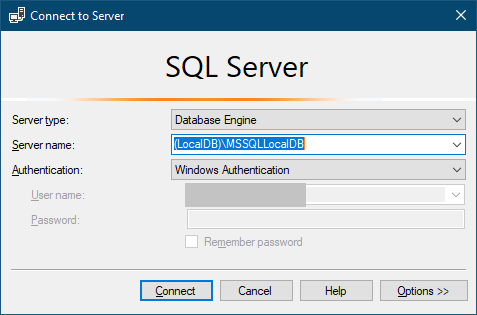
When it is done, code can connect to it with a connection string, or SQL Server Management Studio can be used to manage the databases by connecting to (LocalDB)\MSSQLLocalDB:
Resolve the engine connectivity/versioning issue
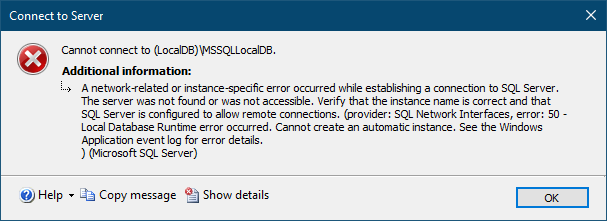
After SQL Server LocalDB 2017/2019 is installed, connecting with SSNS may fail with an error:
In command line, trying to manage it with the sqllocaldb command may also fail with an error:
D:\ λ sqllocaldb info MSSQLLocalDB
D:\ λ sqllocaldb info MSSQLLocalDB Printing of LocalDB instance “MSSQLLocalDB” information failed because of the following error: Unexpected error occurred inside a LocalDB instance API method call. See the Windows Application event log for error details.
This is caused by engine versioning issue, which can be viewed in Windows Event Viewer:
LocalDB parent instance version is invalid: MSSQL13E.LOCALDB
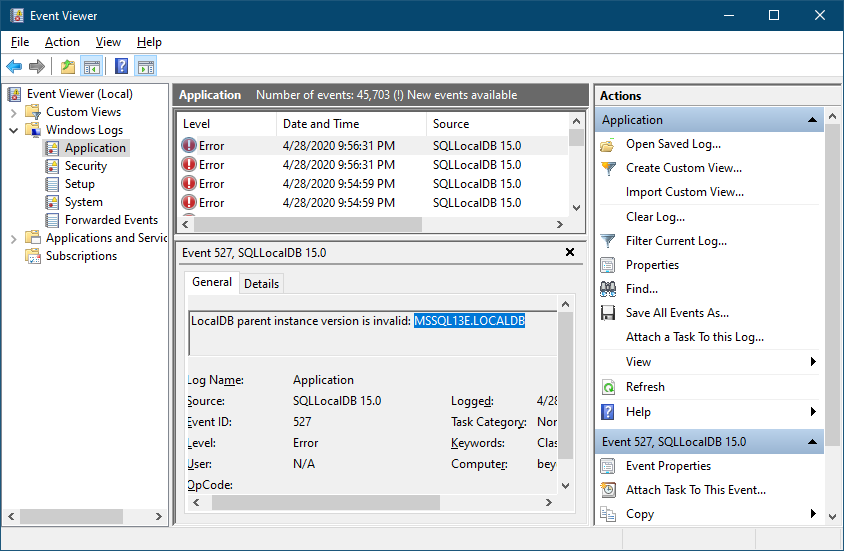
Apparently “MSSQL13E” is incorrect. SQL Server 2016 is v13, SQL Server 2017 should be v14, and SQL Server 2019 should be v15. There are 2 ways to fix this:
The default instance can be deleted and recreated:
sqllocaldb stop mssqllocaldb sqllocaldb delete mssqllocaldb sqllocaldb create MSSQLLocalDB
Or the version info can be manually updated in Registry: Computer\HKEY_CURRENT_USER\Software\Microsoft\Microsoft SQL Server\UserInstances\{2DD3D445-34C1-4251-B67D-7DFEED432A87}
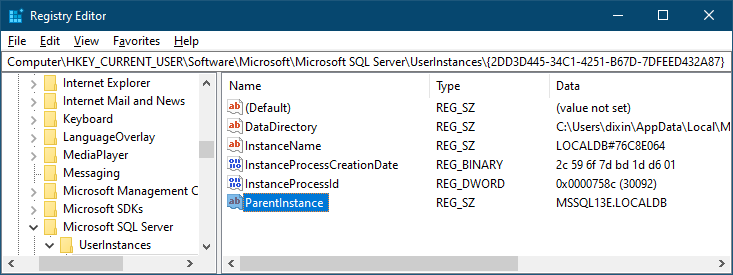
Just change ParentInstance to MSSQL14E.LOCALDB or MSSQL15E.LOCALDB.
Then SQL Server LocalDB can be managed by command line or SSMS:
D:\ λ sqllocaldb info MSSQLLocalDB Name: MSSQLLocalDB Version: 15.0.2000.5 Shared name: Owner: PC\dixin Auto-create: Yes State: Stopped Last start time: 4/28/2020 5:31:14 PM Instance pipe name: